AI PFP Maker & Aesthetic Profile Studio
Transform any photo into a standout avatar for LinkedIn, Twitter, Instagram, Discord & WhatsApp. Isolate backgrounds with AI, add custom sticker strokes, glowing rings, badges, duotones & export in crystal-clear 4K.
1 Upload & Cutout
No ImageClick or drag & drop photo here
Supports JPG, PNG, WebP (or paste via Ctrl+V)
GEMINI AI PROCESSING IMAGE...
Refining neural edge detection & layers
Your Profile Canvas Awaits ✨
Upload a photo to automatically remove background, style with custom borders, gradients, and badges!
Real-Time Social Media Mockups

Alex Morgan
Chief Technology Officer & AI Innovator
San Francisco Bay Area • 500+ connections
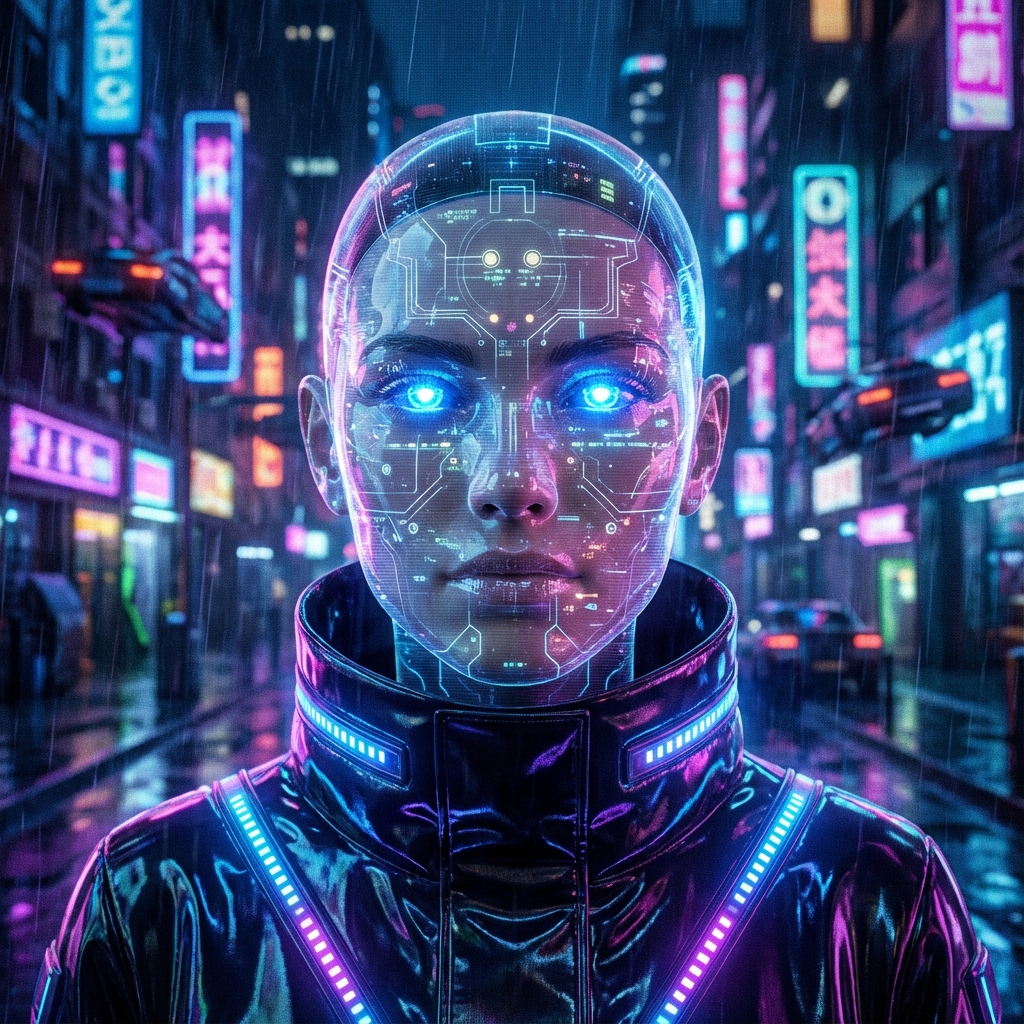
Transform Your Photos into Professional Profile Pictures
In today’s digital-first world, your profile picture (PFP) is often the first impression you make. Whether it’s on LinkedIn, Twitter, Instagram, or even a professional Slack workspace, a high-quality, professional-looking image can significantly impact how people perceive you. But not everyone has access to a professional photographer or advanced editing software like Photoshop. That’s where the TechResider AI PFP Maker steps in.
Our tool leverages state-of-the-art Artificial Intelligence to help you create clean, professional, and eye-catching profile pictures without any technical skills. By simply uploading a photo, you can remove messy backgrounds and replace them with vibrant colors, modern gradients, glowing neon rings, sticker outlines, or custom AI-generated studio backdrops, giving your digital identity a premium and polished feel instantly.
Why a High-Quality Profile Picture Matters
Your digital avatar is more than just a photo; it’s a vital personal branding tool. A well-crafted PFP can help you achieve several goals:
- Build Trust & Credibility: People are inherently more likely to engage with profiles that look organized, well-lit, and professional.
- Stand Out in Feeds: In a crowded social media feed, a vibrant background or a clean, focused headshot with a subtle sticker stroke grabs immediate attention.
- Brand Consistency: Maintaining a consistent look across all platforms—from GitHub to Mastodon, YouTube, and LinkedIn—helps in building your unique personal brand.
How Our AI Profile Picture Generator Works
Creating your new PFP with our AI-powered engine is a fast and simple three-step process designed for everyone:
- Upload Your Image: Start by uploading a clear photo. For the best results, use a portrait where your face is well-lit and unobstructed.
- AI Background Removal: Once uploaded, our AI analyzes the image and removes the background with surgical precision using the advanced Google Gemini AI model.
- Customize and Download: Choose from our curated selection of solid colors, trendy gradients, shape masks (Circle, Squircle, Hexagon), sticker outlines, or 1-click aesthetic presets. Once you're happy with the preview, download your high-resolution PFP or download a full multi-platform ZIP pack!
Key Features of TechResider AI PFP Maker
- Instant Neural Background Removal: Forget manual masking or pen tools. Our AI does the precise cutting for you in seconds.
- 16+ 1-Click Aesthetic Presets: Instant styles tailored for LinkedIn Executive, Twitter Neon, Spotify Duotone, Golden Hour, and more.
- Sticker Outlines & Neon Glows: Add modern influencer-style white or neon outlines around your cutout silhouette.
- Custom Shape Masks & Badges: Squircle (iOS), Hexagon (NFT), Diamond, Star, plus LinkedIn #OpenToWork and #Hiring badges.
- High-Resolution 4K Export: Download crystal-clear PNGs, transparent circular avatars, or a complete multi-platform bundle.
Frequently Asked Questions (FAQ)
Q: Is the AI PFP Maker free to use?
A: We use a balanced token-based system. Each background removal costs only 15 tokens, and fast client-side studio editing is completely free once your cutout is loaded.
Q: What file formats can I upload?
A: Our generator supports standard formats including JPG, PNG, and modern WebP. You can also paste directly from your clipboard using Ctrl+V.
Q: Are the images suitable for LinkedIn, Twitter, and Resume?
A: Yes! You can toggle between professional corporate headshot styles, #OpenToWork badges, and casual social aesthetics with single-click presets.
Q: Does the AI store my personal photos?
A: Your privacy is a core value at TechResider. Images are processed in real-time on our secure servers and are not stored in our permanent database.